

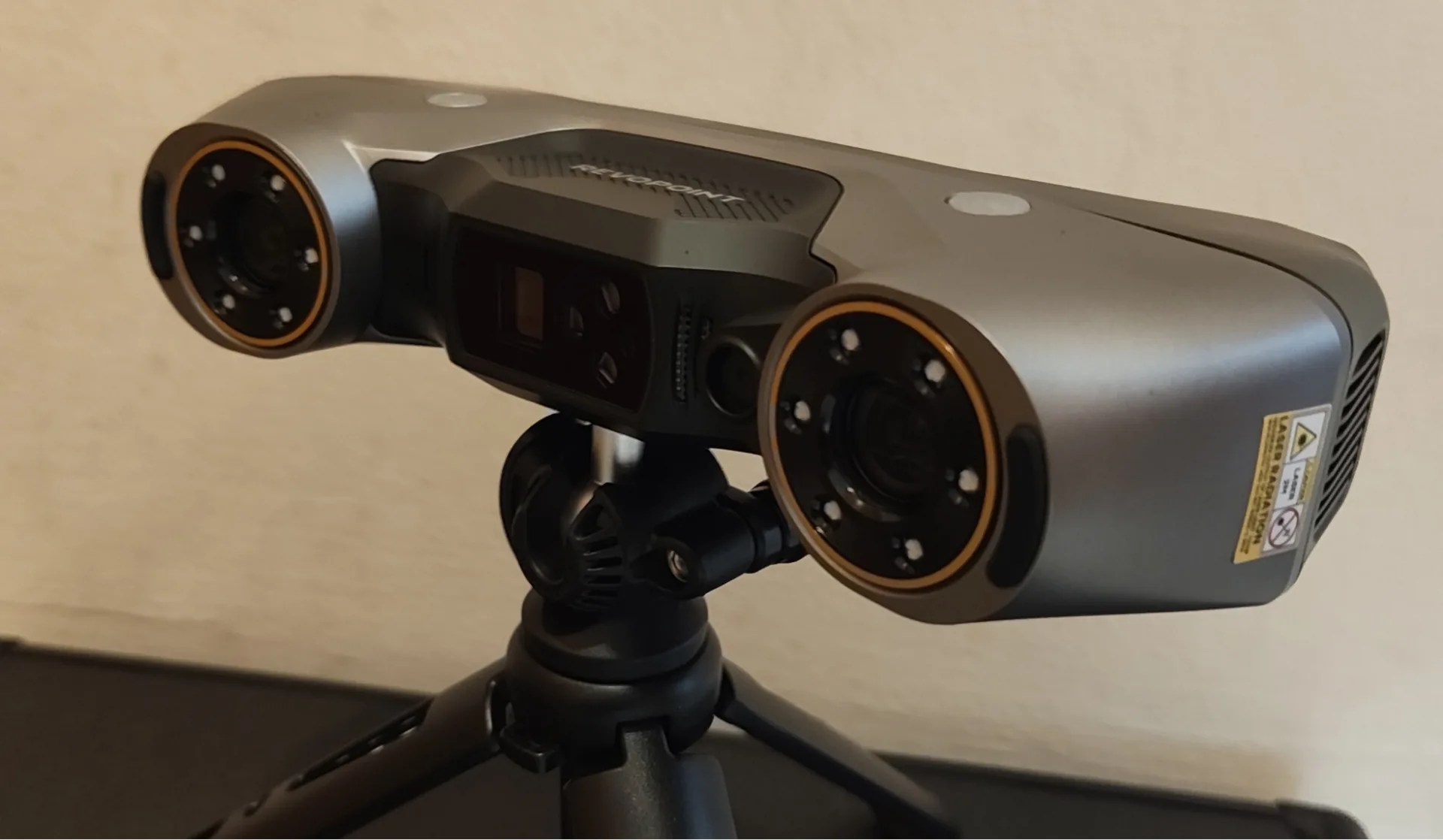
In late 2024 / early 2025, Revopoint released the MetroX, which was touted as the company’s first metrology grade 3D scanner.
The MetroX featured structured light and laser line scanning modes, along with an RGB camera for capturing color textures. We put that scanner through its paces extensively, and were impressed with its features.
A few months back, the company released the next evolution of the Metro line, in the form of the MetroY Pro
The main difference? The MetroY is completely wireless.
Overview
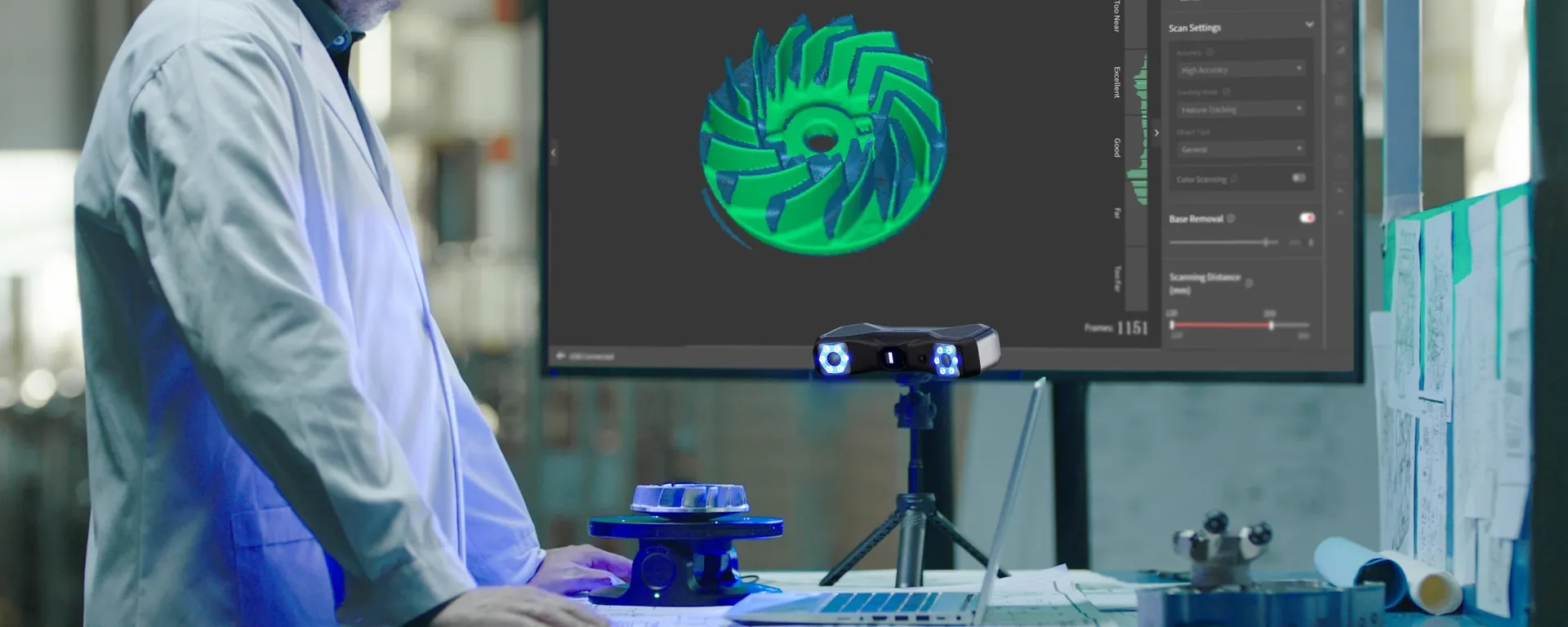
While both MetroX and MetroY scanners are designed for reverse engineering, dimensional inspection, and professional 3D digitization, the MetroY Pro introduces higher scanning speeds, greater laser density, and improved support for industrial automation workflows.
One of the most significant upgrades is the laser system itself. Whereas the MetroX employs multiple blue-laser scanning modes with up to 14 cross lines, the MetroY increases laser density substantially, offering up to 34 cross lines and 15 parallel lines.
What does that mean in reality? It means that you can capture a lot more data in a single pass, that’s what! This greatly improves the scanning efficiency, particularly with regards to larger objects, or those with more complex geometries.
In real numbers, Revopoint reports scanning speeds of up to 2 million points per second for the MetroY Pro, compared to approximately 800,000 points per second for the MetroX.
Accuracy remains one of the key strengths of both platforms. The MetroX delivers metrology-grade performance with accuracy figures as low as 0.02 mm, while the MetroY Pro maintains the same 0.02 mm single-frame accuracy and adds a precision rating of up to 0.01 mm alongside a volumetric accuracy of 0.02 mm + 0.04 mm × L(m).
It should be noted that the MetroY Pro isn’t simply the bog-standard MetroY with a turntable and marker block kit – it actually has improved scanning specs compared to the standard MetroY. For example, the MetroY Pro features 62-Line Full-field Structured Blue Light scanning, while the regular MetroY only has laser light scanning.
Additionally, the Pro version has a larger scanning area of 332 × 276 mm, compared to the standard MetroY with its scanning area of 290 × 260 mm.
And of course, the MetroY Pro features turntable scanning mode, which the standard MetroY does not.
In short, the MetroY offers faster scanning, enhanced precision, and wireless mobility, making it well suited for those working on the shop floor who do not wish to drag a computer around with them.
MetroY Options
Currently, the base hardware kits are available as Standard, Pro, and Ultra versions. There are also options that include Revo Design (for an extra cost), which is the company’s reverse engineering software package. Revo Measure (the inspection software) can also be included for an additional fee.
To use any of the MetroY scanners, it is required to download the Revo Metro scanning software, which can be downloaded for free from the Revopoint website.
Let’s take a look inside the MetroY Pro box to see what is included.
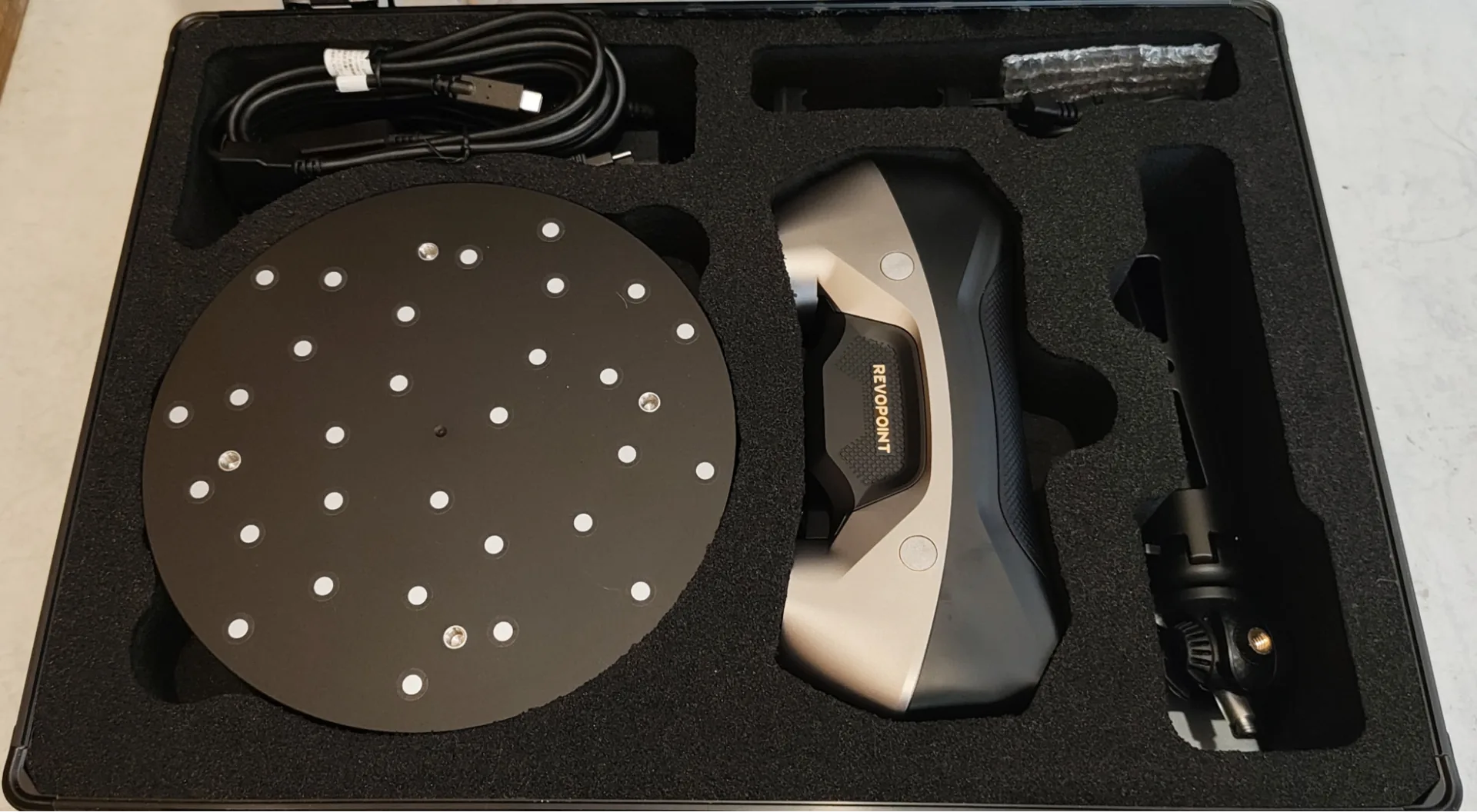
As you can see clearly, there is a large dual axis turntable (bluetooth controllable), the MetroY Pro itself, a tripod and various cables. There is also the mobile kit, which includes the battery pack and phone holder.
The Pro version also comes with the marker block kit, featuring various marker blocks and the pillars to screw into the turntable, which you can affix the magnetic blocks to in order to give the blocks some height with respect to the turntable. There are also a few sheets of sticky markers as well.
Computer Requirements
The Metro range of 3D scanners are fairly hungry in terms of computational needs, and the MetroY Pro is no different.
The bare minimum you will need is an Apple M2 Pro processor with 16 GB of RAM on macOS. Windows users will need an Intel 13th-generation Core i7 or AMD Ryzen 7 5800 processor, 32 GB of RAM, and an NVIDIA GeForce RTX 3060 GPU with 8 GB of VRAM.
Recommended requirements are Apple M4 Pro processor or better with at least 24 GB of RAM for MacOS.
Windows users should have a 12th-generation Intel Core i9 processor or better, at least 64 GB of RAM, and an NVIDIA GeForce RTX 4060 GPU with 8 GB of VRAM or better.
For our review, we used an ASUS TUF laptop with 13th gen i7 processor, RTX 4060 GPU with 8 GB VRAM, and 64 GB of general RAM. With this setup, it worked fine. Very fast scanning!
Testing The MetroY
Structured Light Mode
Auto-turntable Mode (Structured Light)
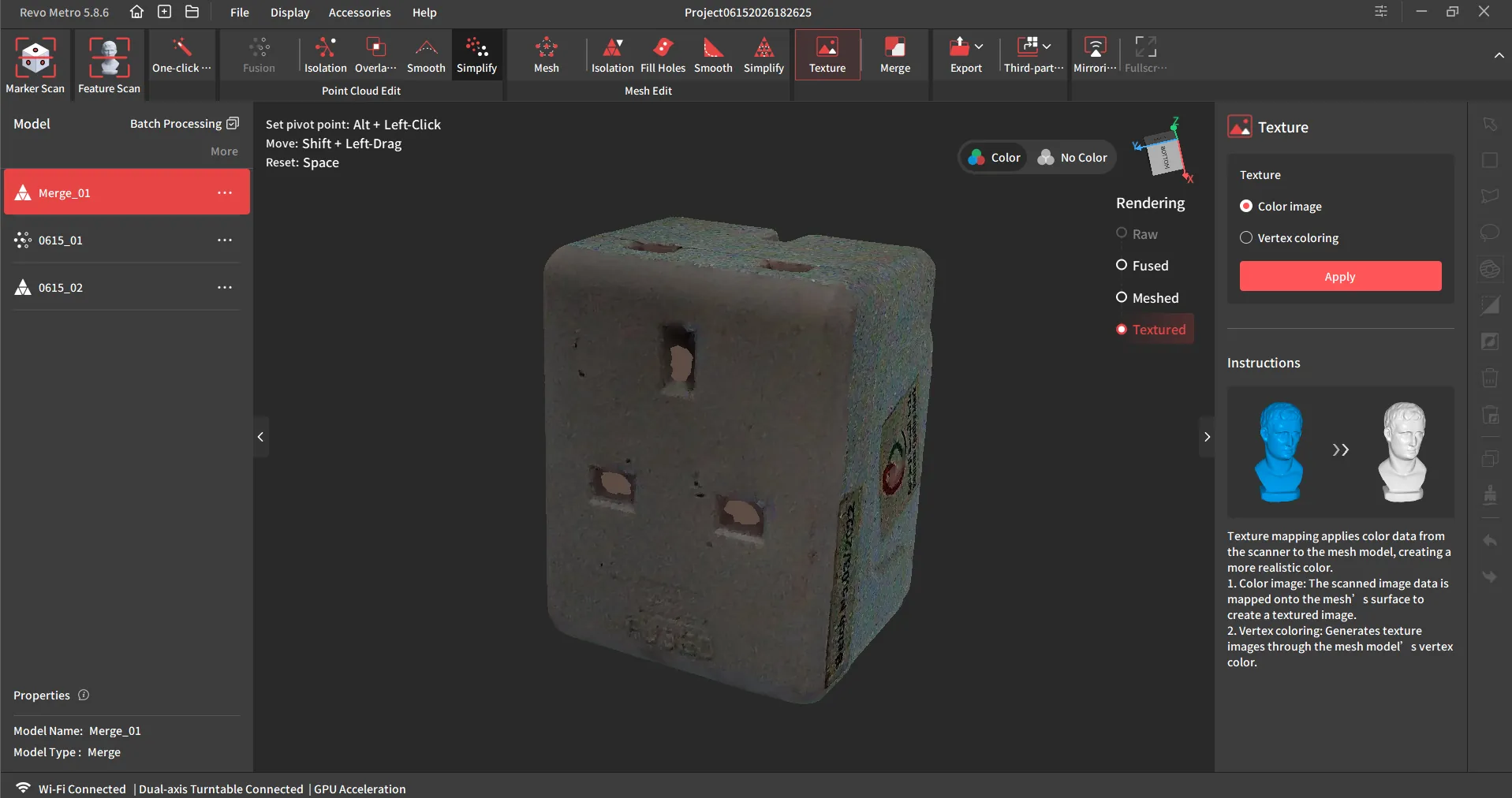
The first scanning attempt with the MetroY Pro was to see how structured light / color scanning works with the auto-turntable. For this task, I selected a multi-input plug.
A second aim of this test was to see how easy it was to get the scanner up and running out of the box and produce some results.
To that end, the scanning was fairly quick and painless, although it did have some issues scanning inside the pin receptacles. This is to be expected, as laser mode is preferred for such recesses.
Laser Line Mode
Parallel Lines – Marker Mode
The next scanning session was with the parallel lines with marker stickers.
For this test, I returned to an item that I had previously scanned with the MetroX for a direct comparison. This was also convenient, as I had not bothered to remove the dozens of marker stickers after the previous session.
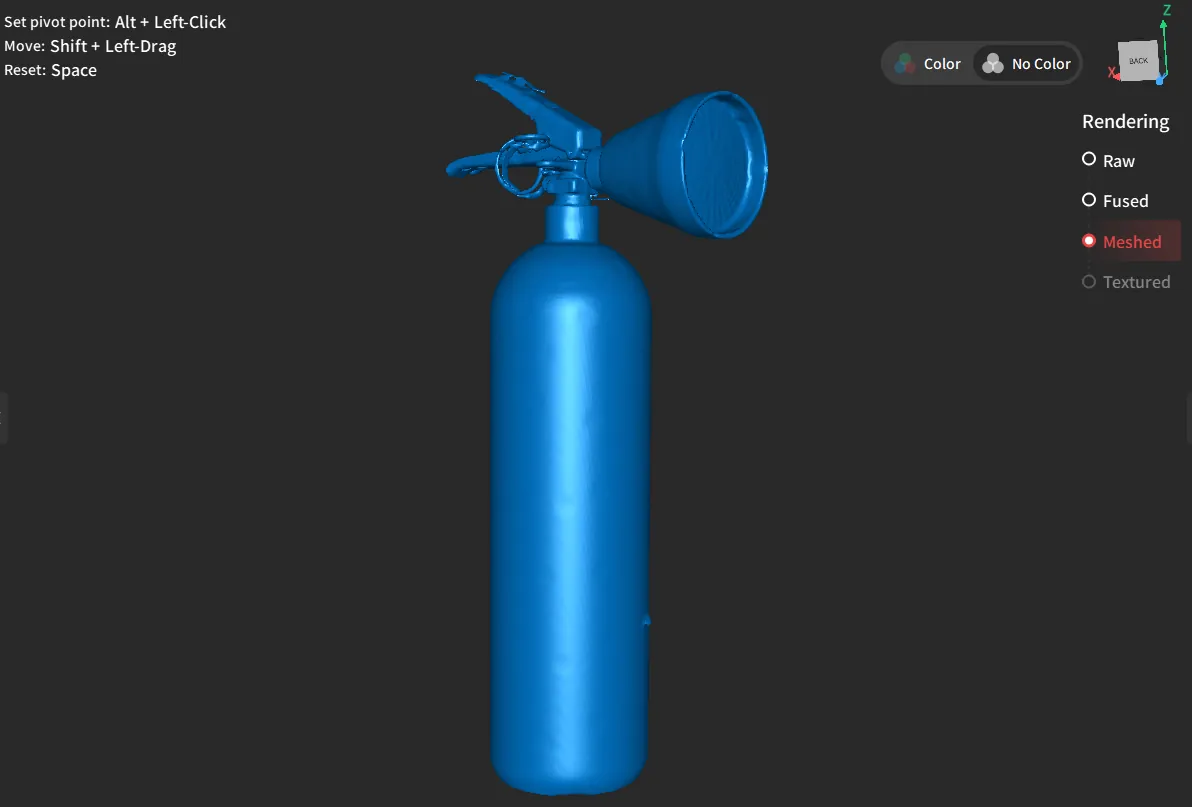
I can safely say that the MetroY Pro scanned this object a lot quicker than the MetroX, and the scan of the perforated nozzle plate was of a much higher quality this time too.
Note, that the MetroY Pro is still quite needy when it comes to marker stickers, so apply them liberally or expect to be notified of lost tracking errors if you don’t.
Parallel Lines (manual rotation)
The next test was also with parallel laser lines, but with the addition of color textures.
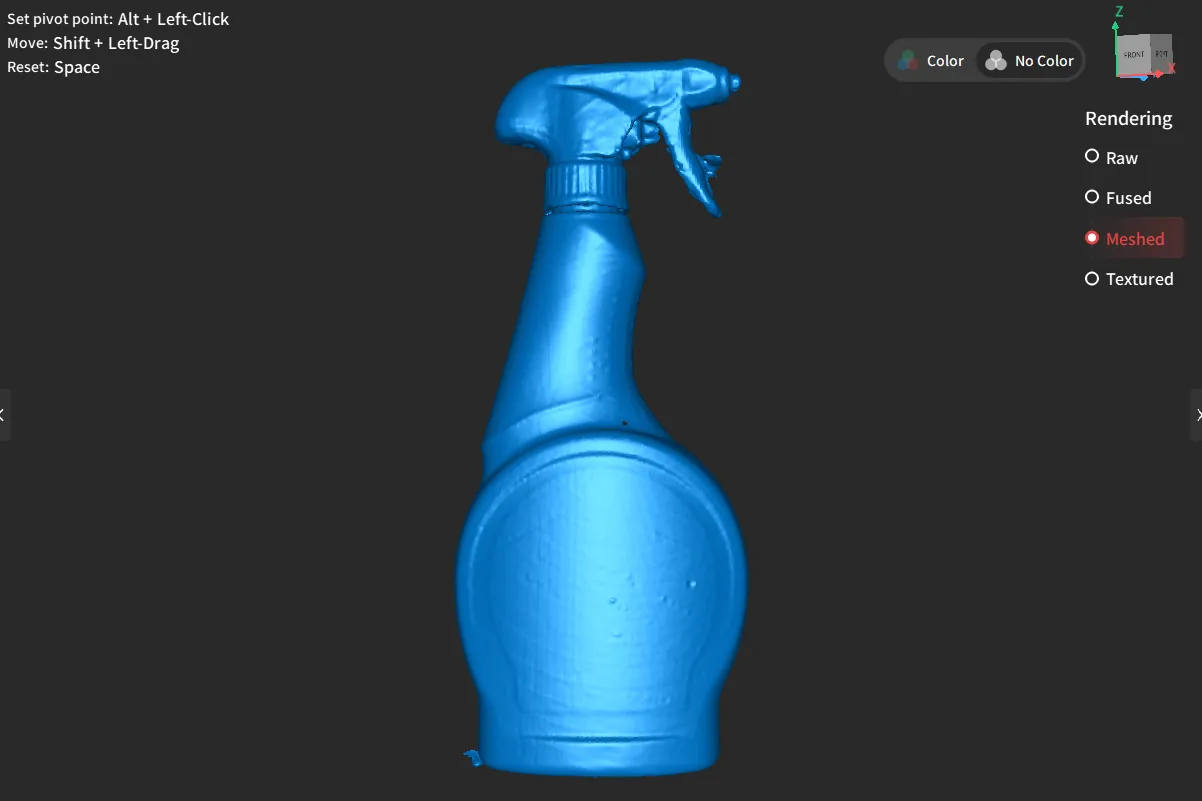
The scan was fairly quick, and the results were quite acceptable given that there are some awkward and occluded parts under the nozzle area.
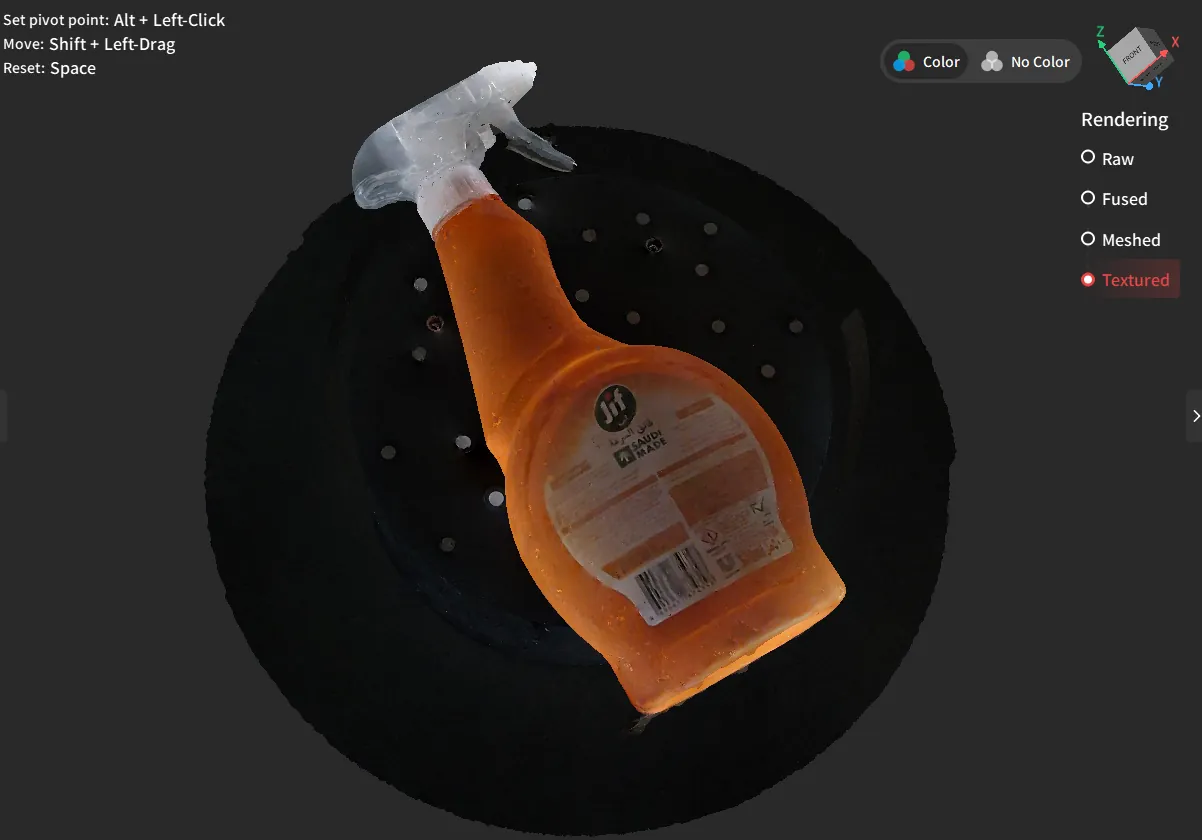
Applying the textures produced vivid results, and even the translucent handle sections were replicated into a pseudo-translucent effect, which can be seen when rotating the textured model.
Cross Line vs Single Line Laser
Slot time! And for this scan, I also returned to a previous item that I had attempted to scan with the MetroX. This is a bracket for holding a steel conveyor roller.
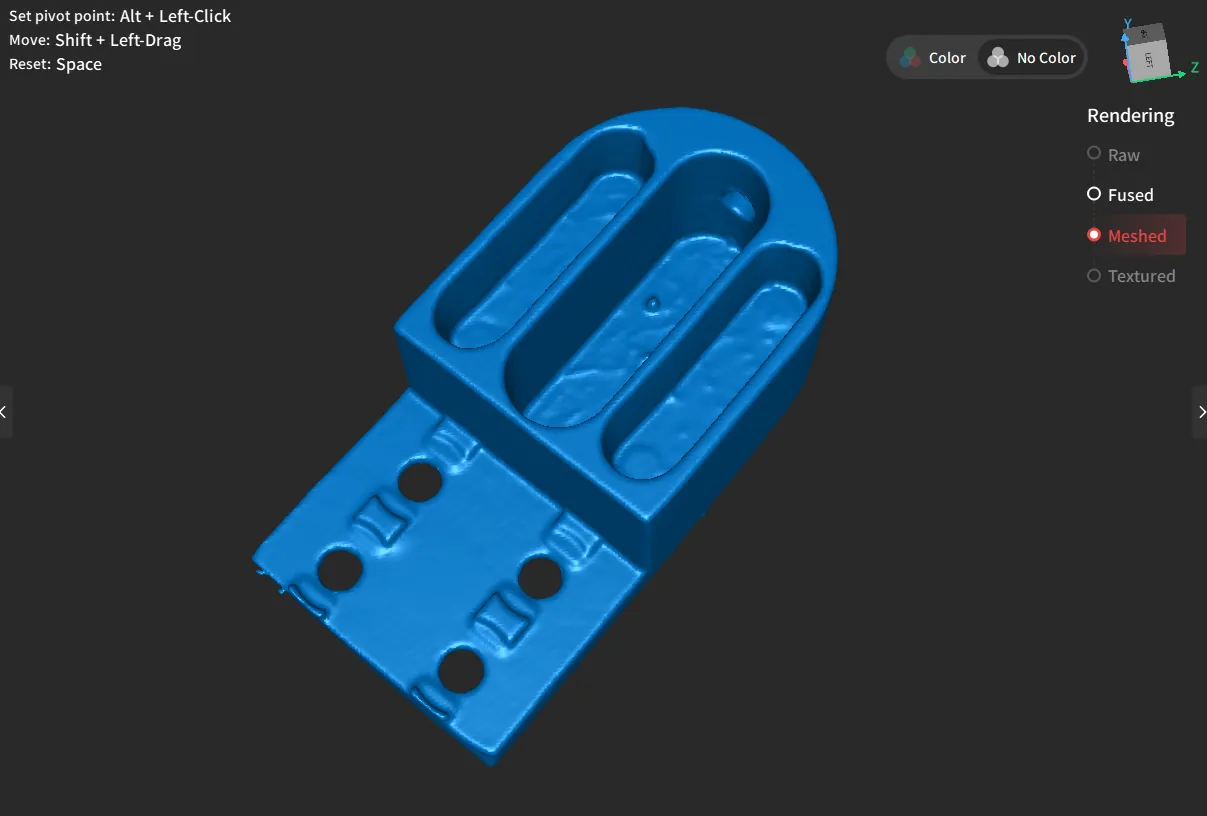
With the MetroX, this was a particularly annoying thing to scan, due to the metallic finish and the deep slots. On the previous scan, I had to apply a homemade scanning powder to get it to register properly. Even then, it was unable to scan the bottoms of the slots.
With the MetroY Pro, I was able to scan it without a spray, and as you can see, the bottom faces of the slots are clearly scanned (blemishes and all).
I scanned this on this turntable using cross lines for the main body, and single line for inside the slots. It was not a quick job by any means, as it took many passes to get the bottom of the slots of sufficient quality.
But still, no spray, and scanned slots, so an improvement all round.
Summary
There are some very clear improvements with the MetroY Pro compared to the MetroX Pro.
The most obvious and indisputable improvement (asides from allowing wireless scanning) is the increase in scanning speed when using cross line laser mode.
As seen in the review, I made a point of scanning a couple of the exact same items that I tested with the MetroX for a direct comparison, and can confirm that yes, it’s faster, the scan acquires much more easily, and the quality of the scan appears to be better.
Structured light mode also seems to be fine, especially when using auto-turntable mode.
Color textures on auto-turntable mode work very well (as long as you’re room is well lit), and if you update your firmware, you can also obtain color scans using the various laser line modes, although the means of acquiring textures with laser line mode is more akin to using the TrackIt.
This means that you need to scan the object first, then mesh it, then capture the textures manually by “photographing” the object manually from every angle. This works fine, and works even better if you use manual turntable mode.
On the topic of color textures, the biggest downside of the MetroY Pro is that you cannot merge separate textured scans into a single 3D model. This was also my main complaint with TrackIt.
So for example, imagine you are scanning a cube. Normally, you can scan the top 5 faces, then flip the cube over, then scan the obscured face, and merge them together in Revo Metro.
But if you scan the top 5 faces, then texture them, and then flip it over, scan and texture the hidden faces, don’t expect to be able to merge them. When you merge them, the textures disappear.
Hopefully Revopoint sorts this out at some point in the future.
Source : Revopoint MetroY